


4.8
Download Now
Count the days
that matter.
Dead simple countdowns & progress tracking.


Privacy Policy
Daysmark was built from the ground up to respect your privacy.
Zero Data Collection: We do not collect, store, or transmit any personal data, identifiers, or usage analytics.
Local Storage: All your dates, countdowns, and widget configurations stay strictly on your device.
No Third Parties: There are no third-party SDKs, tracking frameworks, or advertising libraries embedded in the app.
Hear from the people
Trusted by focused professionals.


FAQs
Got questions? Here are the answers.
Is Daysmark really free, with no subscriptions or ads?
Yes. Daysmark is completely free to use. There are zero subscriptions, no hidden in-app purchases, and no advertisements.
Where is my countdown and milestone data stored?
All your dates, countdowns, and notes stay strictly on your device. Daysmark does not collect, store, or transmit any personal data or usage analytics to external servers.
How do I add a Daysmark widget to my Home Screen?
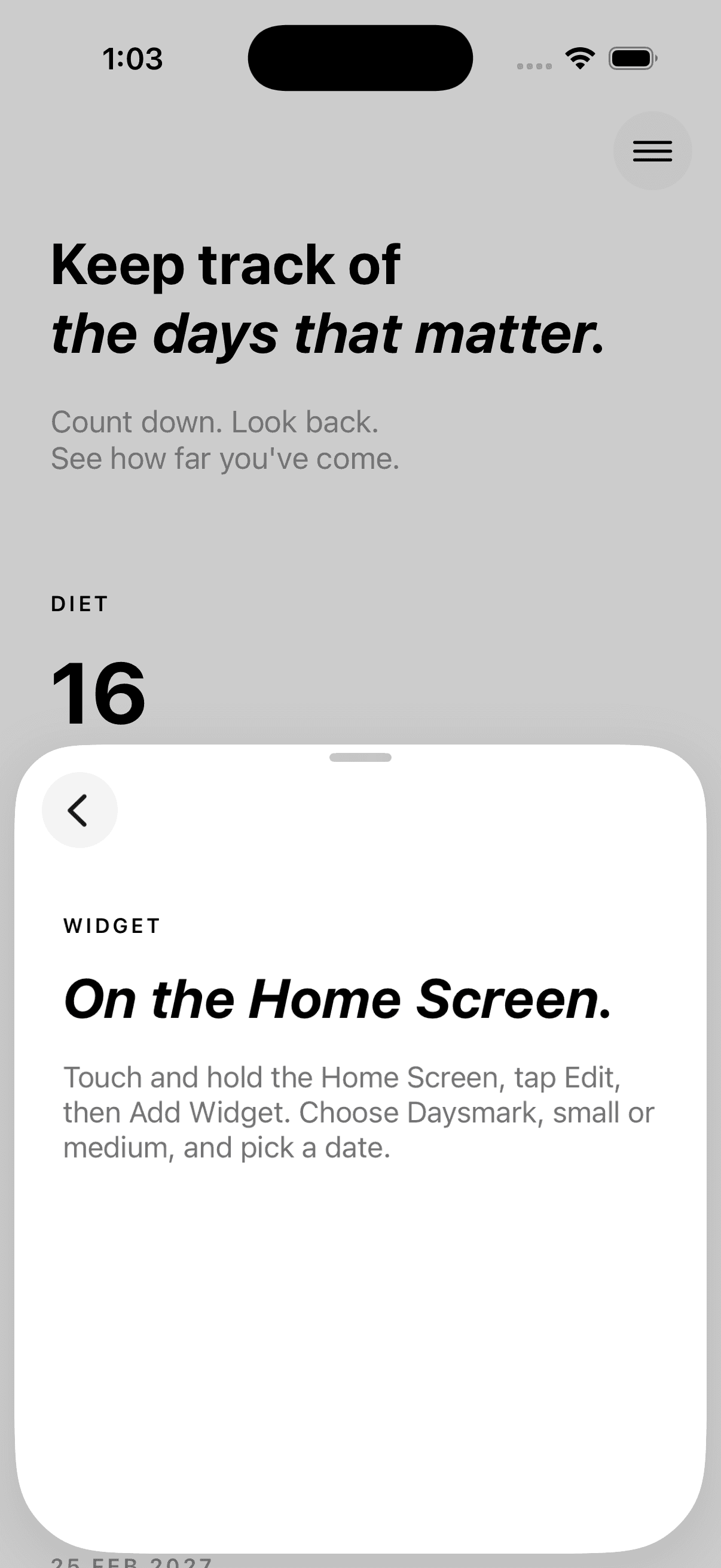
Touch and hold an empty area on your Home Screen until your apps jiggle. Tap the + (Add) button in the top corner, search for Daysmark, pick your preferred size (small or medium), and choose which milestone to display.
How do notifications work?
You can choose exactly when to be reminded for each event—whether on the day of the event, 1 day before, 1 week before, or 1 month before. Notifications run locally on your phone without annoying spam.
Can I count up from a past date, or only count down to future dates?
Both. Daysmark automatically calculates the days passed since a past date (like starting a diet or habit) or counts down to future milestones (like a graduation or deadline).
If you can't find the answer or need help, email us at haiqalsw@gmail.com